
»Introducing PantherBot
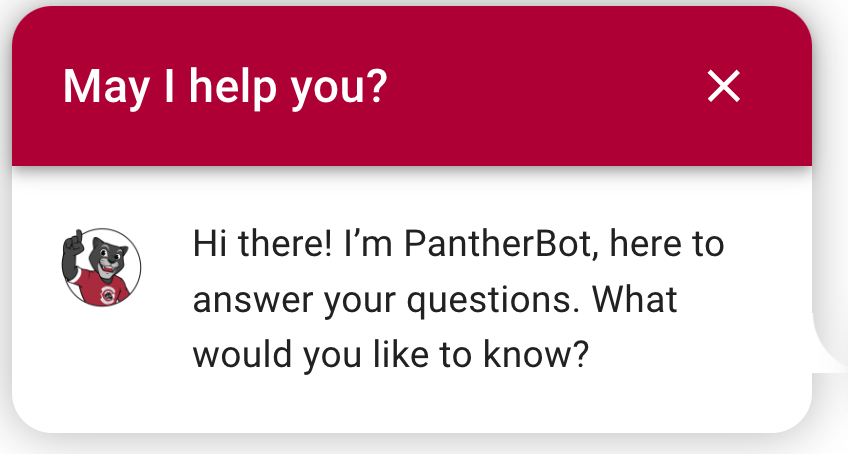
PantherBot offers 24/7/365 answers to the Chapman community.
PantherBot is here to answer your questions quickly and efficiently. It uses AI to provide fast, reliable information, so you get the help you need anytime, on any device. PantherBot is anonymous and multilingual. You can ask questions in English, Spanish, Vietnamese, or Chinese.
PantherBot is currently available on the following department web pages: Academic Advising, Undergraduate Admissions, IS&T, Office of the Registrar, Ticketing Office, Student Business Services, Residence Life, Parent & Family Engagement, Center for Global Education, the Leatherby Libraries, and Financial Aid Office. It is also available in Canvas!

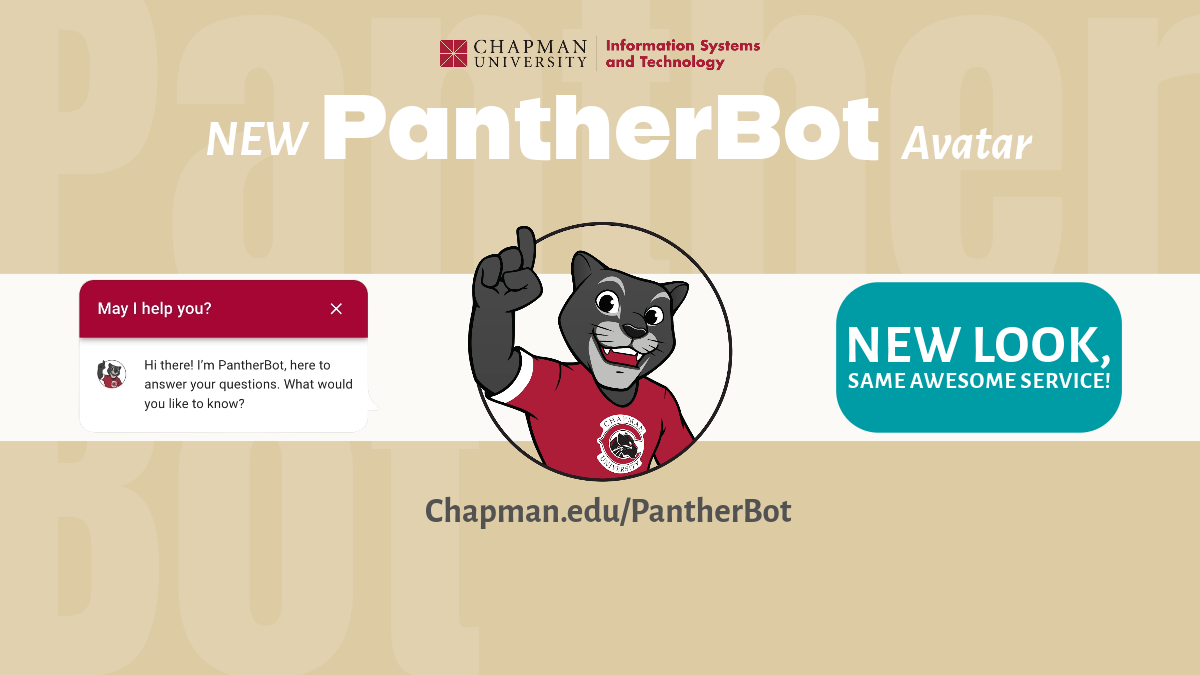
How to interact with PantherBot?
If you are on a PantherBot-supported site, you'll see the chat box in the bottom right corner of the screen. At that point, select the Chatbox and ask away!
You can ask questions like "how do I reset my password," "how do I purchase tickets," or "how much does it cost to park." PantherBot's AI will get you the answer you need. It's that easy!
PantherBot speaks more than one language! Click on the globe in the red banner to ask questions in English, Chinese, Spanish, or Vietnamese.
If PantherBot does not know the answer to your question, it will help you submit it for an answer from a human. The more you use PantherBot, the smarter it becomes. PantherBot will also provide suggestions and links when responding to your question.
What are the Supported Devices?
You can access PatherBot on Macs and PCs using Firefox, Chrome, Safari, or Edge browsers. You may also access Pantherbot on Android and iOS-enabled phones and tablets via browser.
What About Privacy?
PantherBot is supported by Ocelot. Ocelot follows the guidelines set by federal and state law regarding the collection of personal information, including the Children Online Privacy Protection Act (COPPA). For California residents, Ocelot abides by the California Online Privacy Protection Act (CalOPPA).