Acrobat
PDF Editor
As an Adobe Creative Campus, Chapman University is part of a select group of colleges
and universities shaping the future of digital literacy in global higher education.
As a Creative Campus, we recognize the value of teaching digital skills, and we actively
focus on them to help students succeed in the classroom and gain an edge in the competitive
modern workplace. To fulfill this commitment, Chapman is making industry-leading Adobe
Creative Cloud tools and services available to all students, faculty, and staff to
create
Anything Imaginable.
PDF Editor
Image Editing
Books, Brochures, Magazines
Graphic Design
Cinematic Effects
Audio Editing and production
Video Editing and Production
Social Media
Low Code / No Code Website Development
Website Design and Development
Photo Enhancement
Animation Creation
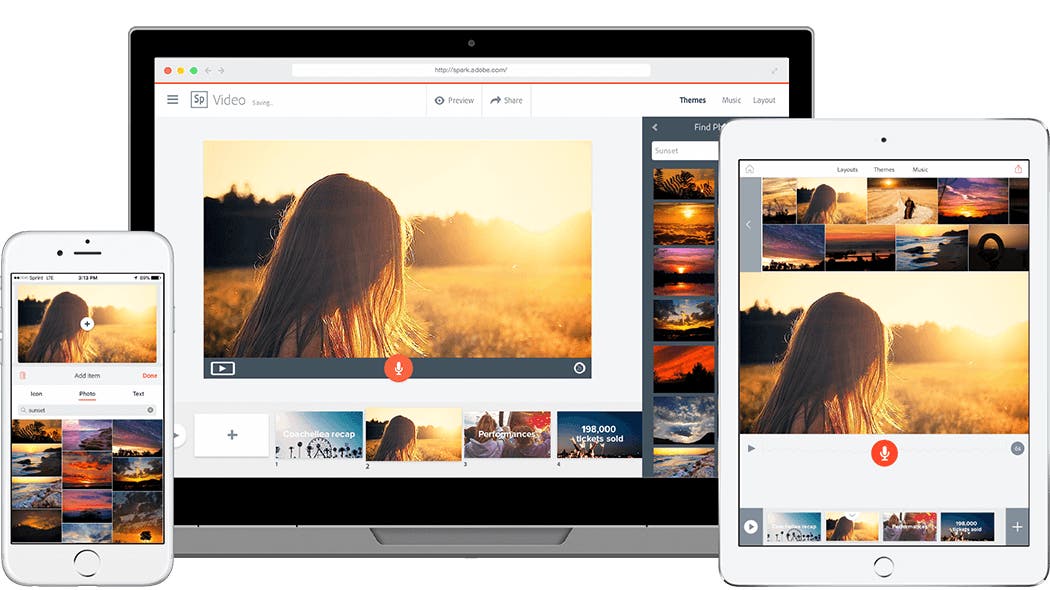
Adobe Express is available to all students, faculty, and staff. Express is a fast, easy tool for creating professional graphics, videos, flyers, collages, and more with little to no prior design experience.
All Chapman University students, faculty, and staff have access to Adobe Substance 3D, which is a state-of-the-art collection of 3D tools. Below are resources for each available Substance 3D application.
Your Adobe license will expire one year after your student account becomes inactive. To move your data, visit graduation.adobe.com. Although this tool is called Student File Transfer, it's available for faculty, staff, and students. Please note that Adobe Portfolio is not currently supported by this tool, and according to Adobe Engineering, this remains a work in progress. In the meantime, we recommend that students use Adobe's Portfolio transfer service—Review Adobe's Student File Transfer (formerly Student Asset Migration).
If you need technical support, click the Service Desk button below to contact us.